 TV Mounting
 The Main TV Mount Types Compared
Most wall mounts fall into four families, defined by how much the screen can move. Here's what each type is, what it's best for, and its main trade-off — no brands, just the differences.
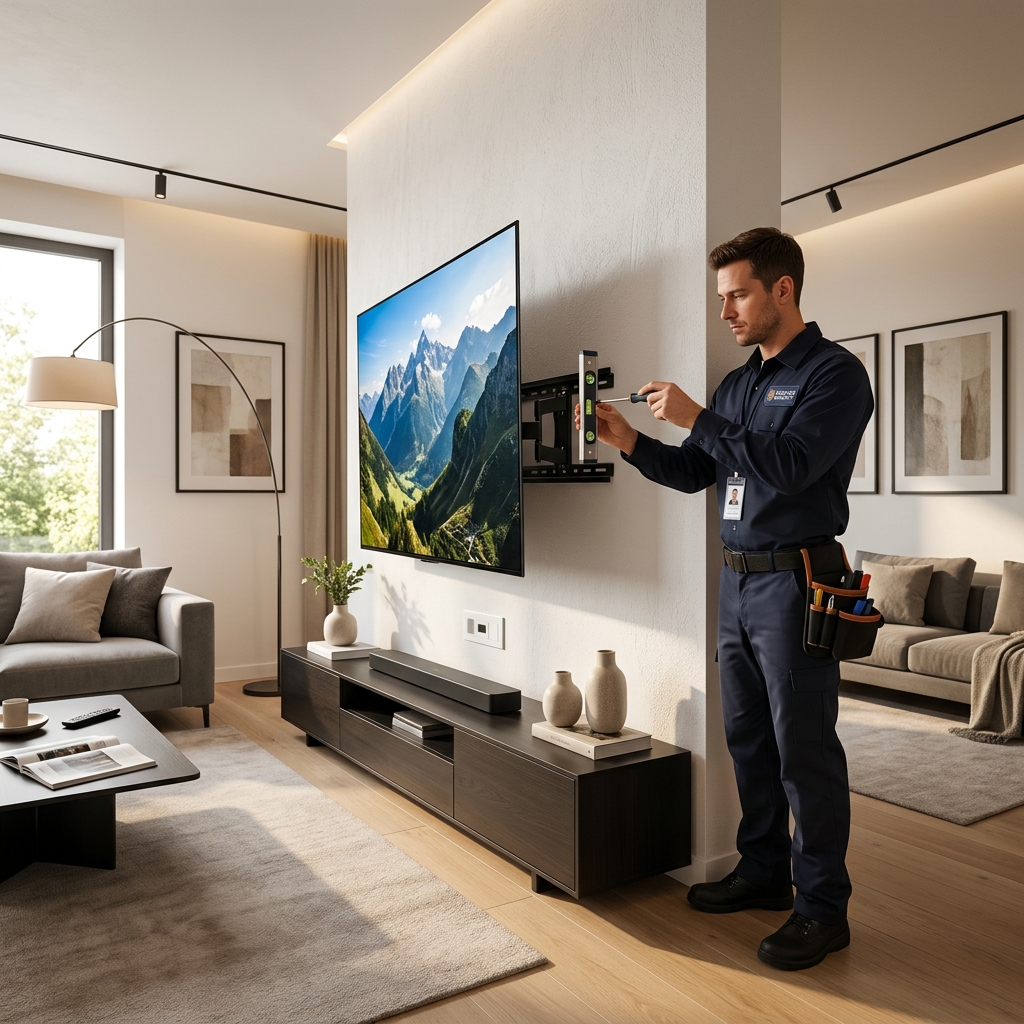
Fixed (Flat) Mount
Holds the TV flat and still against the wall with no movement — the simplest and usually the lowest-cost type.
Best for: a TV placed at eye level with no glare, where a slim, low-profile look matters most.
Trade-off: no way to adjust angle after it's up, and rear cables are harder to reach.
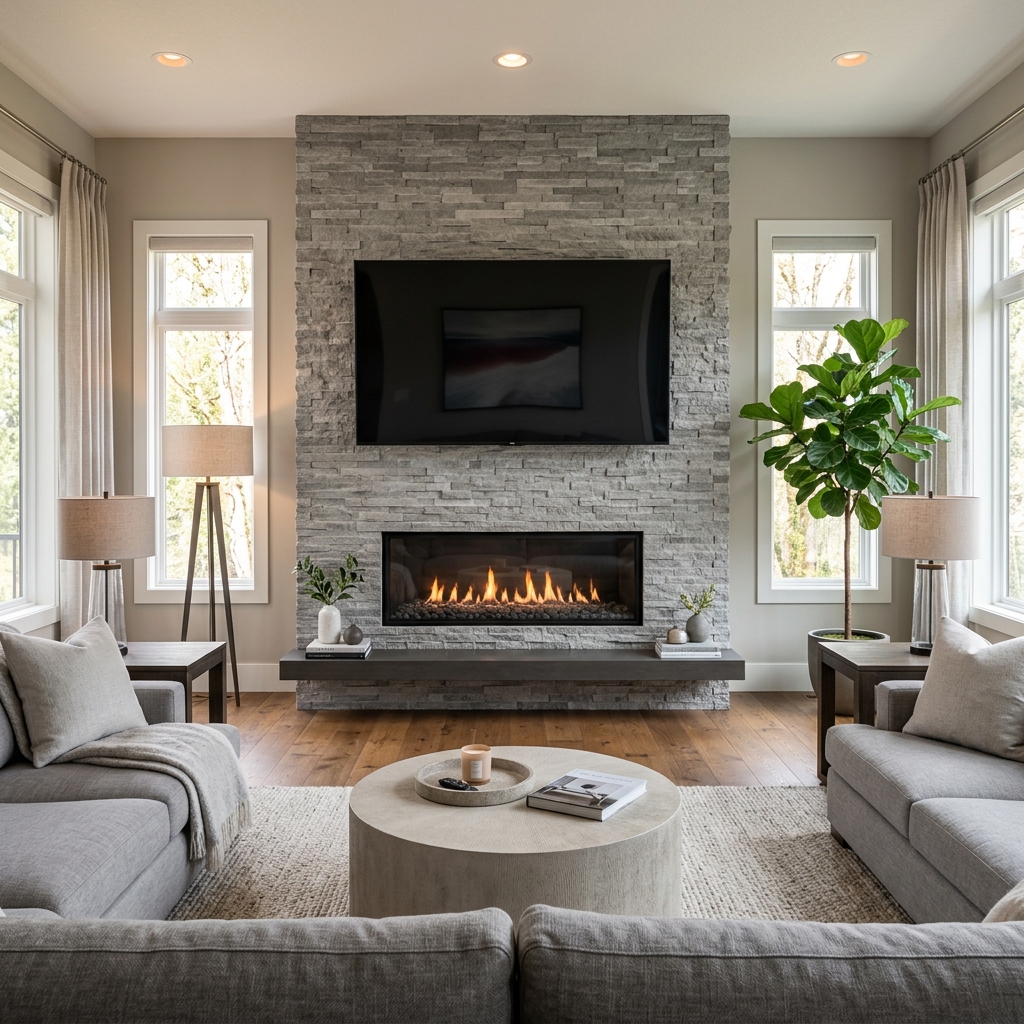
Tilting Mount
Lets the screen angle up or down while staying close to the wall. The tilt reduces glare and improves the view from below.
Best for: higher placements, such as above a fireplace or in a bedroom viewed from bed.
Trade-off: tilts vertically only — it can't swivel left or right.
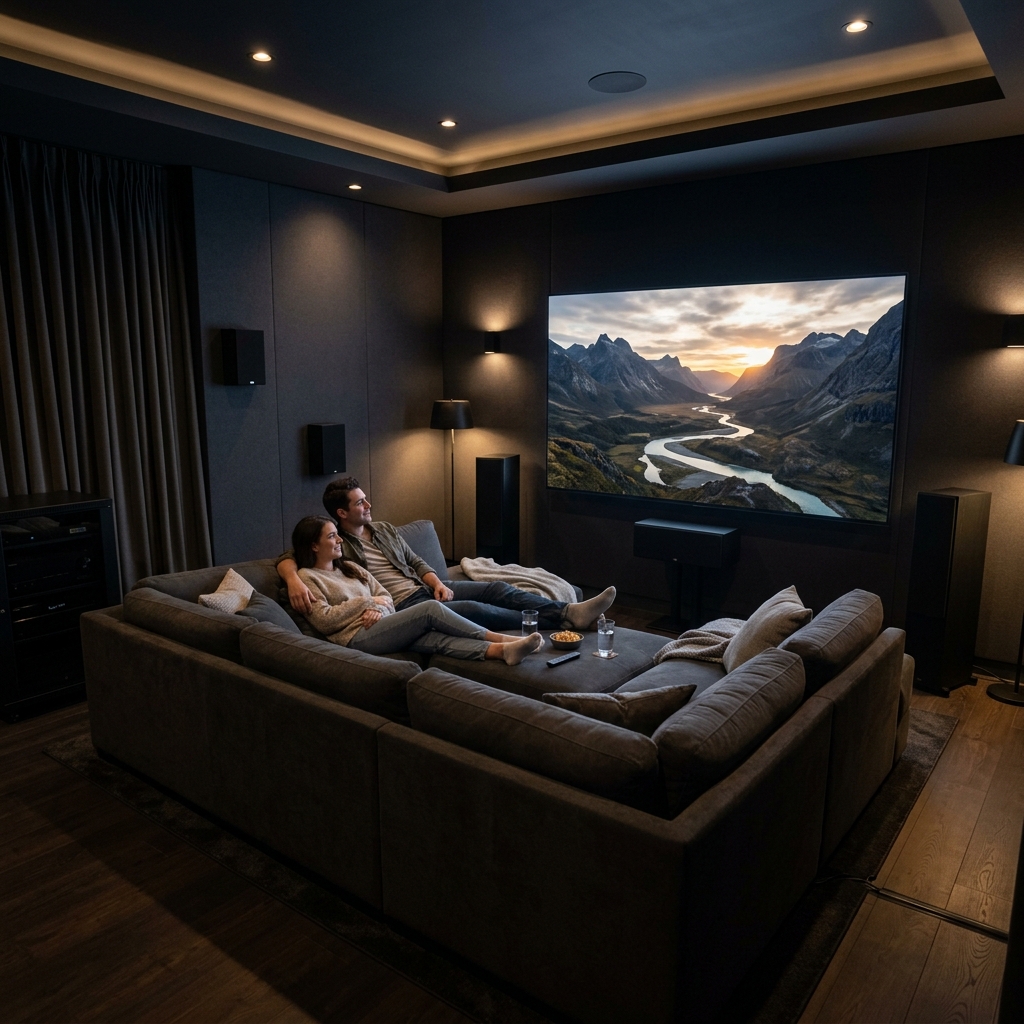
Full-Motion (Articulating) Mount
Extends on an arm and tilts, swivels, and rotates, so the screen can be pulled out and pointed in almost any direction.
Best for: corners, open-plan rooms, and kitchens where you watch from several spots.
Trade-off: the most expensive and complex type, and it sits slightly off the wall.
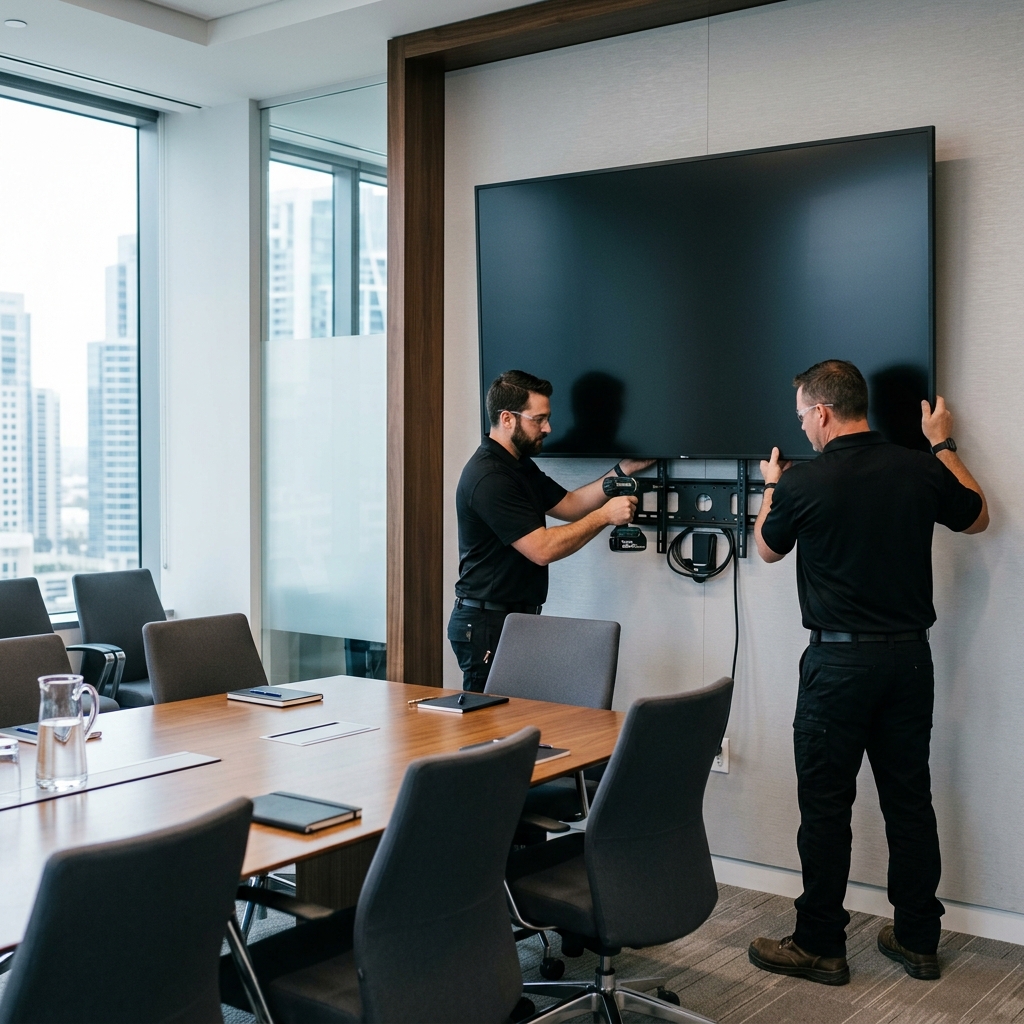
Ceiling Mount
Suspends the TV from the ceiling on a pole or bracket instead of a wall, often able to swivel and tilt.
Best for: rooms with no suitable wall, or commercial spaces like shops, gyms, and cafés.
Trade-off: needs a strong ceiling fixing and can look less discreet than a wall mount.
What to Compare Before You Decide
Beyond the mount type itself, these are the factors worth weighing side by side. Thinking through each one usually points you toward the right choice.
How Much Movement You Need
Watch from one fixed seat? A flat or tilting mount is enough. View from many angles? A full-motion arm earns its extra cost.
Viewing Height & Angle
The screen's centre ideally sits near eye level when seated. Higher spots — like above a fireplace — usually call for tilt.
Wall Type & Strength
Drywall, brick, concrete, and tile each need different fixings. The wall must safely hold both the mount and the TV's weight.
TV Size & Weight (VESA)
Every mount lists a size range, a weight limit, and a VESA hole pattern. The TV's specs must fall within all three.
Budget
Fixed mounts are generally cheapest, tilting a little more, and full-motion the most — a useful factor when movement isn't essential.
Installation Difficulty
Simpler mounts on solid walls are the most approachable; heavy screens, tricky walls, or hidden cabling raise the complexity.
DIY vs. Professional Mounting
Once you've picked a mount, the other common question is whether to fit it yourself or have someone do it. Here's a neutral look at both — this site sells neither.
Doing It Yourself
Usually the cheapest route and satisfying to complete. It suits lighter TVs on solid walls with accessible power and studs. The main risks are choosing the wrong fixings, hitting pipes or wiring, or under-supporting a heavy screen — mistakes that can damage the wall or drop the TV. Basic tools, a stud finder, and a level are essential.
Hiring a Professional
Costs more but adds expertise for tricky situations — heavy or very large TVs, brick or concrete walls, above-fireplace placements, or in-wall cable routing. A fitter brings the right tools and knows local wiring and safety practices. Many people weigh the fee against the value of their TV and the difficulty of the wall before deciding.
Where Are TV Mounts Available?
Wall mounts are widely available — from electronics and home-improvement retailers, general department stores, and countless online marketplaces, in every mount type covered above. Fitting help, where wanted, is offered by professional installers, handypersons, and some retailers' own services. Because options and prices vary by region, it's always worth comparing a few before choosing.